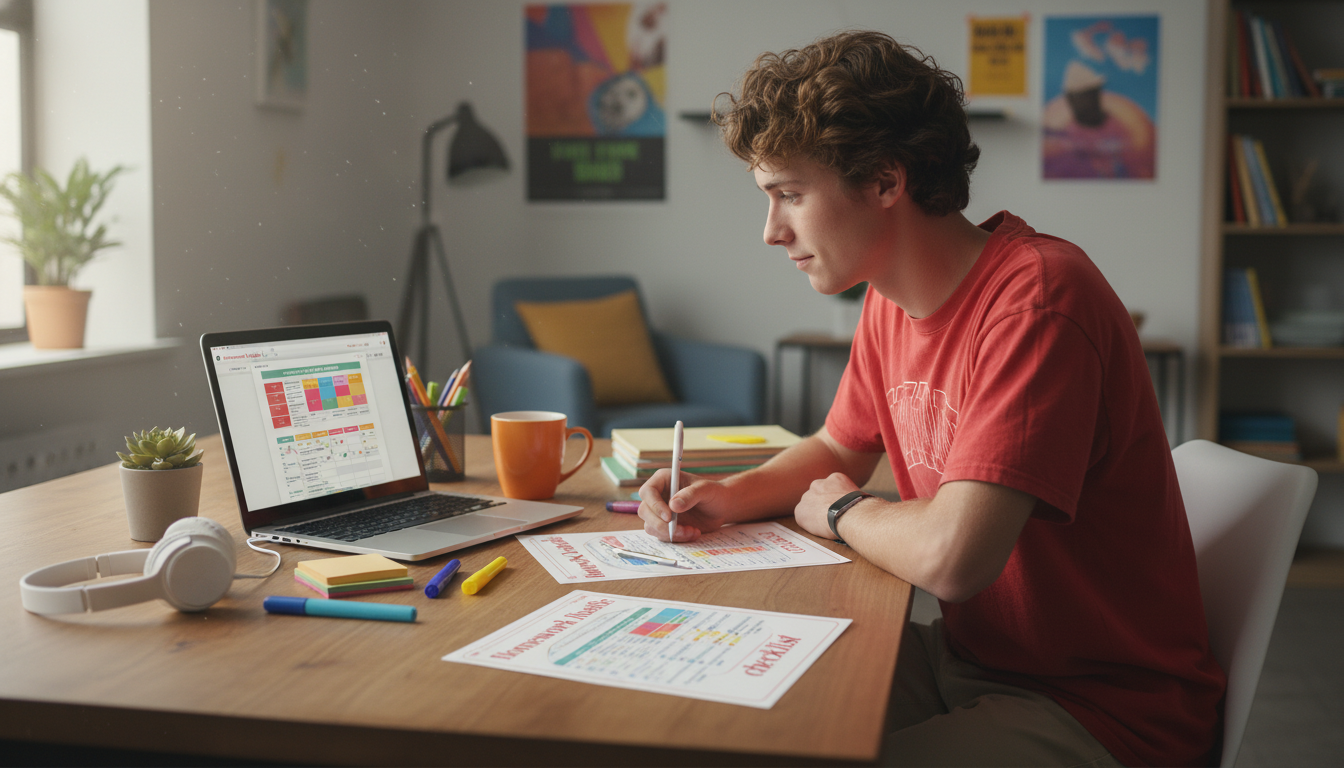
Homework feels heavier when starting is the hardest part. A simple, playful checklist turns “I’ll do it later” into small wins that build momentum—without needing a perfect mood, a perfect plan, or a perfect study space. The goal isn’t to become a different person overnight; it’s to make the next right move so obvious (and so small) that your brain stops negotiating and simply begins.
Procrastination usually isn’t laziness—it’s friction. When an assignment feels unclear, big, or boring, the brain looks for relief. A checklist works because it replaces vague pressure with a sequence you can follow.
For a deeper look at behavior change and procrastination patterns, the American Psychological Association (APA) has helpful resources on why avoidance happens and what supports follow-through.
The “Homework Hustle” flow is built for real school days—when time is limited, energy varies, and distractions happen. Instead of asking students to plan perfectly, it guides them from setup to submit with a simple rhythm: start small, sprint, reset, finish.
| Student situation | What usually happens | What the checklist changes |
|---|---|---|
| Big assignments | Staring at the page, not knowing where to start | Turns the first move into a quick micro-task and builds momentum |
| Multiple subjects | Jumping between tasks and losing time | Helps pick one priority and finish in short rounds |
| Low-energy days | Waiting to feel motivated | Uses short sprints, small wins, and a clear stop point |
| Easy-to-distract | Phone breaks become long breaks | Adds planned breaks and a reset step to re-enter focus |
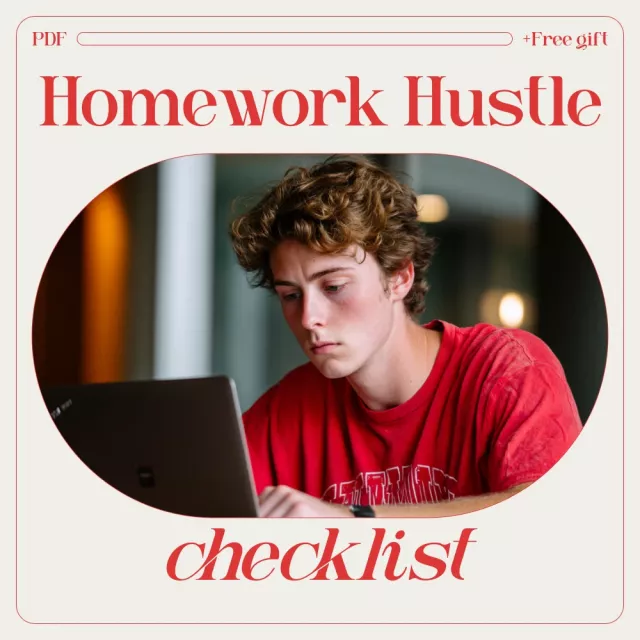
If you want a ready-to-use version, grab The “Homework Hustle” Checklist digital download and keep it on a tablet, laptop, or printed by your study spot.
Think of this like a playlist: you don’t debate every track—you press play and follow the flow.
Grab water, a small snack, supplies, and a charger. Clear one workspace. One surface, one mission.
Define “done” in a way you can actually complete: submitted, uploaded, final draft saved, answers checked, photo sent.
Examples: open the doc, write the title, read the prompt, pull up notes, or list the problems you’ll do first.
Use a short timer and aim for progress, not perfection. The Pomodoro Technique is a classic approach to this kind of timeboxing.
Write one sentence: what’s working, and what’s blocking you (confusing question, missing info, boredom, too many tabs).
Do a single unblock action: re-read directions, look up one concept, ask one specific question, or split the task into smaller parts.
Restart the timer. Keep the task narrow: “finish questions 1–3,” not “finish math.”
Stand up, stretch, breathe, and return. Avoid doom-scrolling. Research on interruptions shows how costly frequent context switching can be; see the University of California, Irvine paper on interruptions and attention.
Check requirements, format, and completeness. Save, export, or photograph clearly—whatever “submit-ready” means.
Take a small reward (music, snack, quick game) and write a note: “Next time, start with ___.” That note is tomorrow’s shortcut.
A simple accessory can help if your timer or assignment is on your phone: Adjustable tabletop phone stand for study timers and digital assignments.
| Item | Why it helps | Fast option |
|---|---|---|
| Water + snack | Prevents energy dips that feel like “no motivation” | Refill bottle + quick bite |
| Timer | Turns “forever homework” into short rounds | Phone timer or small kitchen timer |
| One workspace | Reduces context switching | Clear a single corner of a table |
| Phone position | Less fidgeting and fewer distractions | Use a stand or prop it securely |
Start with a 1–5 minute micro-task (open the doc, write the title, do one problem), then run a short focus sprint. Motivation often shows up after a small win, not before it.
Aim for 10–25 minutes depending on attention and workload, then take a short reset break. Repeat the cycle until you hit one clear finish line.
Either works: printing is simple and distraction-free, while a device is convenient for students who keep everything digital. The best option is the one you’ll use consistently every day.




Leave a comment